
Keyboard Shortcuts
VibeRails is designed for keyboard-driven workflows. Master these shortcuts to triage hundreds of issues in minutes.
Triage Mode Shortcuts
Triage mode is where keyboard shortcuts shine. Each shortcut maps to a single action, letting you process issues without reaching for the mouse.
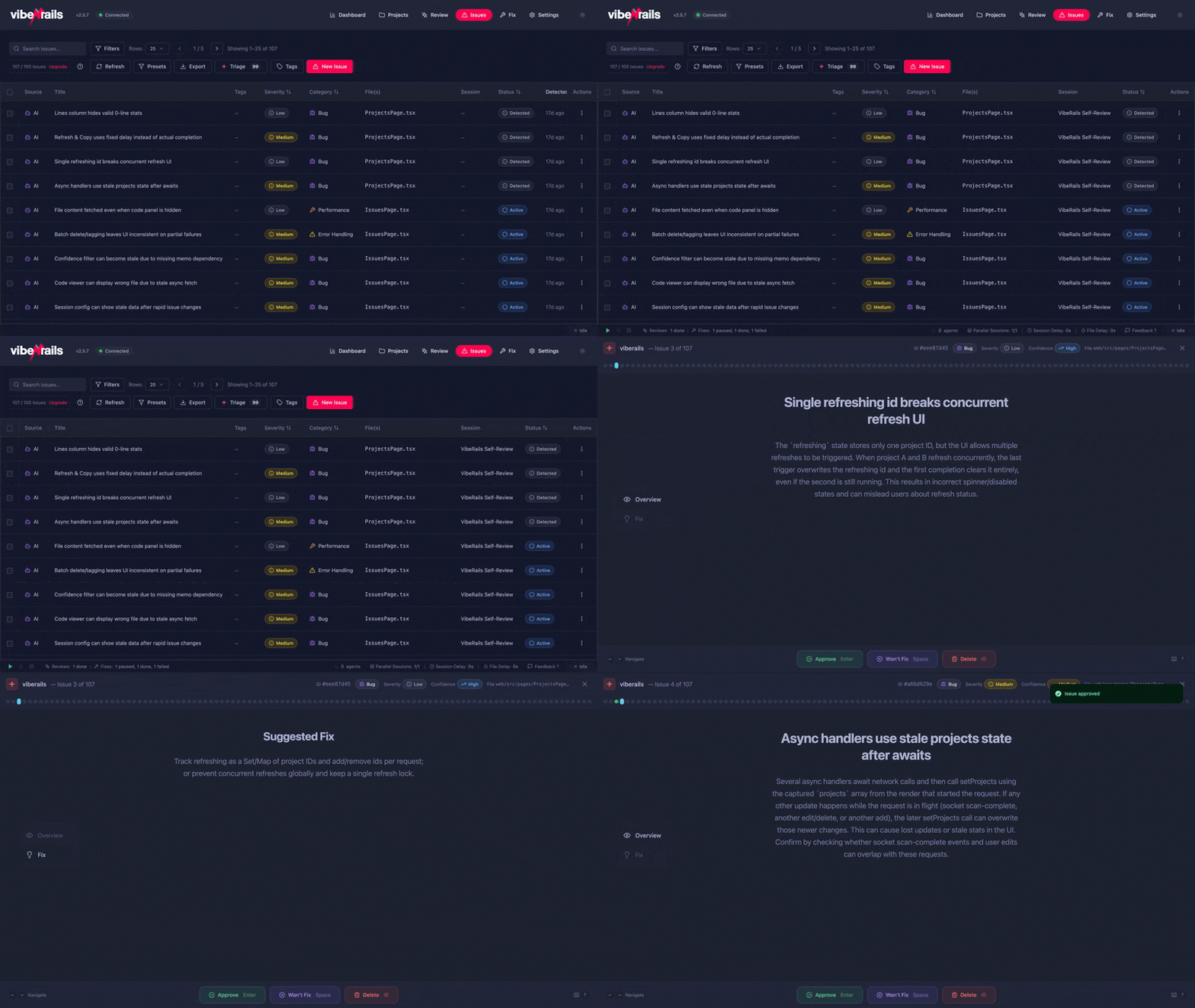
| Key | Action | Description |
|---|---|---|
| ↑ Arrow Up | Previous issue | Navigate to the previous issue in the list. |
| ↓ Arrow Down | Next issue | Navigate to the next issue in the list. |
| 1 | Overview tab | Switch to the issue overview tab showing summary, severity, and category. |
| 2 | Code tab | Switch to the source code tab with the relevant file and highlighted lines. |
| 3 | Explanation tab | Switch to the AI-generated explanation of why the issue matters. |
| 4 | Suggestion tab | Switch to the suggested fix tab with a diff preview. |
| 5 | Notes tab | Switch to the notes tab where you can add your own comments. |
| Enter / Return | Approve | Mark the current issue as approved (confirmed valid). The issue moves to the "approved" queue for fixing. |
| Backspace / Delete | Reject / Won't Fix | Mark the current issue as rejected or won't fix. It is removed from the active queue. |
| S | Skip | Skip the current issue without making a decision. You can return to it later. |
| C | Add comment / notes | Open the notes panel and focus the text input so you can type a comment immediately. |
| ? | Help overlay | Show the keyboard shortcuts help overlay inside triage mode. |
| Escape | Exit triage | Leave triage mode and return to the issues table view. |
General Shortcuts
These shortcuts work throughout the application, regardless of which view you are in.
| Key | Action | Description |
|---|---|---|
| Cmd + K | Command palette / Search | Open the command palette to quickly search for projects, reviews, or actions. |
| Cmd + , | Settings | Open the Settings screen. |
| Cmd + N | New review | Start a new code review wizard for the current project. |
| Cmd + E | Export | Open the export dialog for the current review's issues. |
| Cmd + T | Enter triage | Enter triage mode for the currently selected review. |
| Cmd + F | Filter issues | Focus the issues table filter/search input. |
Navigation Shortcuts
Quickly switch between the main sections of the application.
| Key | Action |
|---|---|
| Cmd + 1 | Go to Projects |
| Cmd + 2 | Go to Reviews |
| Cmd + 3 | Go to Issues |
| Cmd + 4 | Go to Prompts |
| Cmd + 5 | Go to Settings |
Tip: On macOS, all Cmd shortcuts use the Command key. If you are on a non-Mac platform in the future, substitute Ctrl.